Where to find a paint color's HEX code
Start on the paint maker's own site. Behr's color pages list a HEX code with the RGB values: Gratifying Gray DC-008, for example, is CBC9C0, or red 203, green 201, blue 192. Sherwin-Williams' ColorSnap app shows each color's RGB values, which you convert to HEX. Where a maker publishes neither, color reference websites list codes for many brands' colors, but those are someone's approximation, so treat them as a starting point.
How to put it on your wall in Paint my Room
- Open a photo: Use camera, Import photo or Panorama on the start screen.
- Select the palette color you want to replace.
- Open the menu and choose Add HEX color. Type the code, such as CBC9C0 or #CBC9C0, and tap Replace current color.
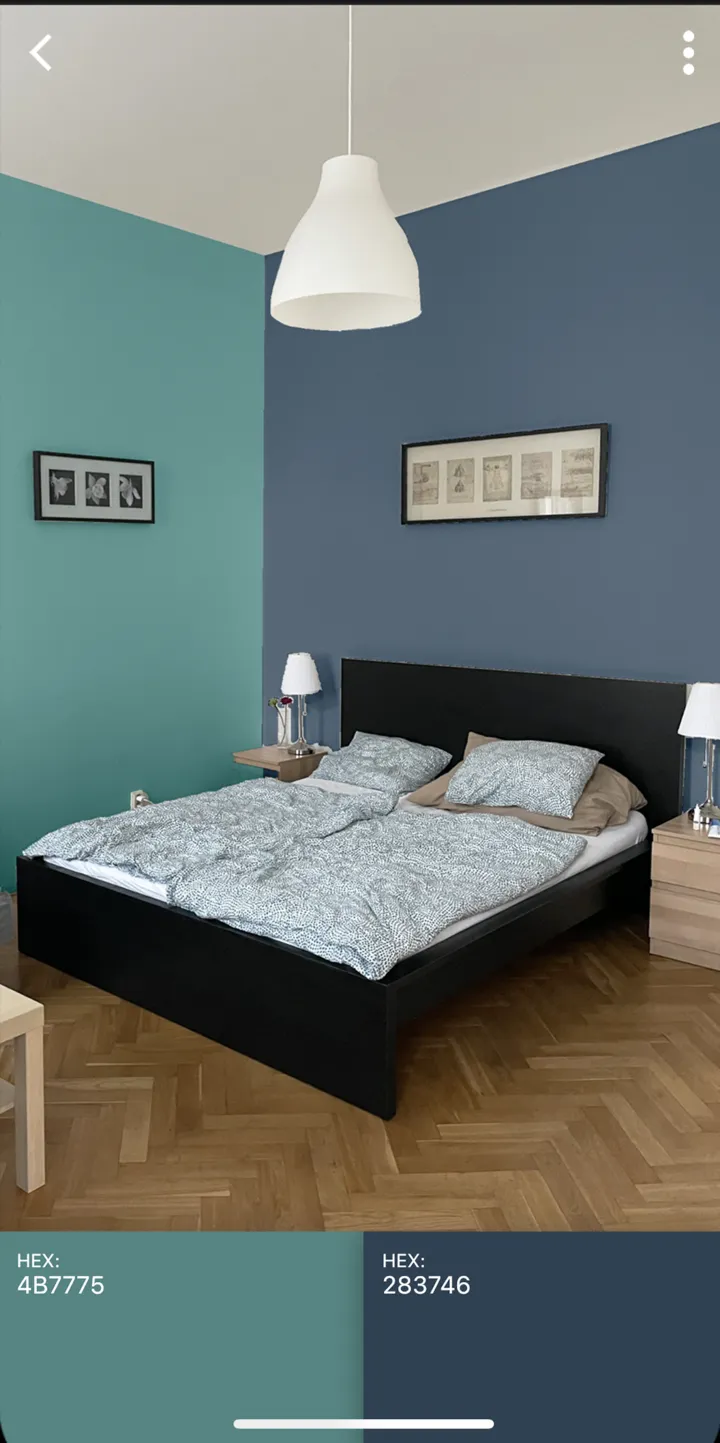
- Tap the wall. The new color fills it up to its edges.
- Repeat with other codes on other walls, then choose Export image to keep the result with its codes.
Why it won't look exactly like the paint
A HEX code describes light from a screen; paint reflects the light in your room. So the same code looks different on two phones, and the wall looks different at noon and under evening lamps. Paint my Room keeps the light and shadow of your photo, so a wall in shade reads darker, as it would. Sheen doesn't show at all. Use the codes to compare colors against each other on one photo, then test real samples of the two or three you like.