Change your
wall color.
Can't choose the perfect color for your room? Use our app Paint my Room to visualize the paint directly on your walls.


The problem
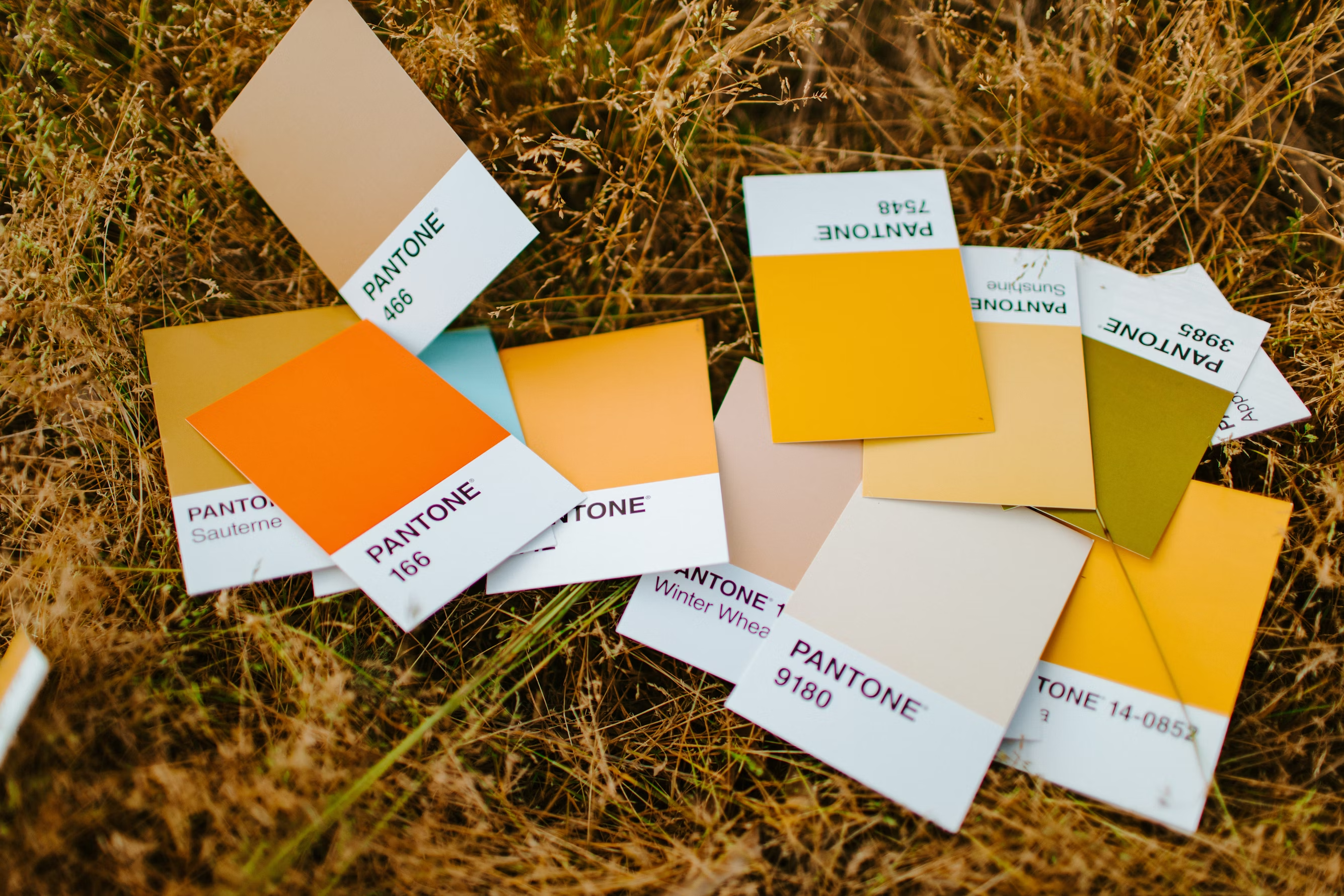
Choosing a color from those little color swatches is not easy. Been there, done that.
That's why we developed the paint visualizer app Paint my Room where you can see the color in the context of your room. You can quickly see if it's a good match or not.
Choose a perfect color for your bedroom, living room, or office.
3 million users
We feel grateful that more than 3 million people used our app to renovate their homes. We're happy to be part of their journey.

Download our Paint my Room app for Android or iOS
Frequently asked questions
What is the best free app to visualize paint colors on my walls?
Paint my Room is a free app for iOS and Android. You take a photo of your room, tap a wall, and see the new color right there. Over 3 million people have used it to pick a color before painting.
Can I see what my room will look like in a different color before I paint?
Yes, that's the whole point of the app. Snap a photo, try any color on the walls, and you'll know if it works before you buy a single can of paint.
Does Paint my Room work with a photo of my own room?
Yes. It uses your own photo, not some generic template, so what you see is your actual walls with your own furniture and lighting.
Is Paint my Room free?
The app is free to download, and you can try it out with 6 preset colors to see how it works on your own walls. To unlock the full palette and try any color you want, there's a paid in-app upgrade.
Do I need to create an account to use it?
No. You can open the app and start trying colors right away. No sign-up, no account.
Which rooms can I use it for?
Any room inside your home. Bedroom, living room, office, kitchen, whatever you're painting. It works on the walls of all of them.
What devices does Paint my Room work on?
It's on both Android and iOS. You can get it on Google Play or the App Store.
How do I choose a paint color with the app?
Take a photo of your room, tap the wall you want to change, and try out colors until one feels right. You can go back and forth between a few options to compare them in your own room.